Admins - Managing Products
Once you have logged in as an admin. You can navigate to this url: https://https://wheelspire.liamhilbers.dev/admin/index.php.
Step 1: Products
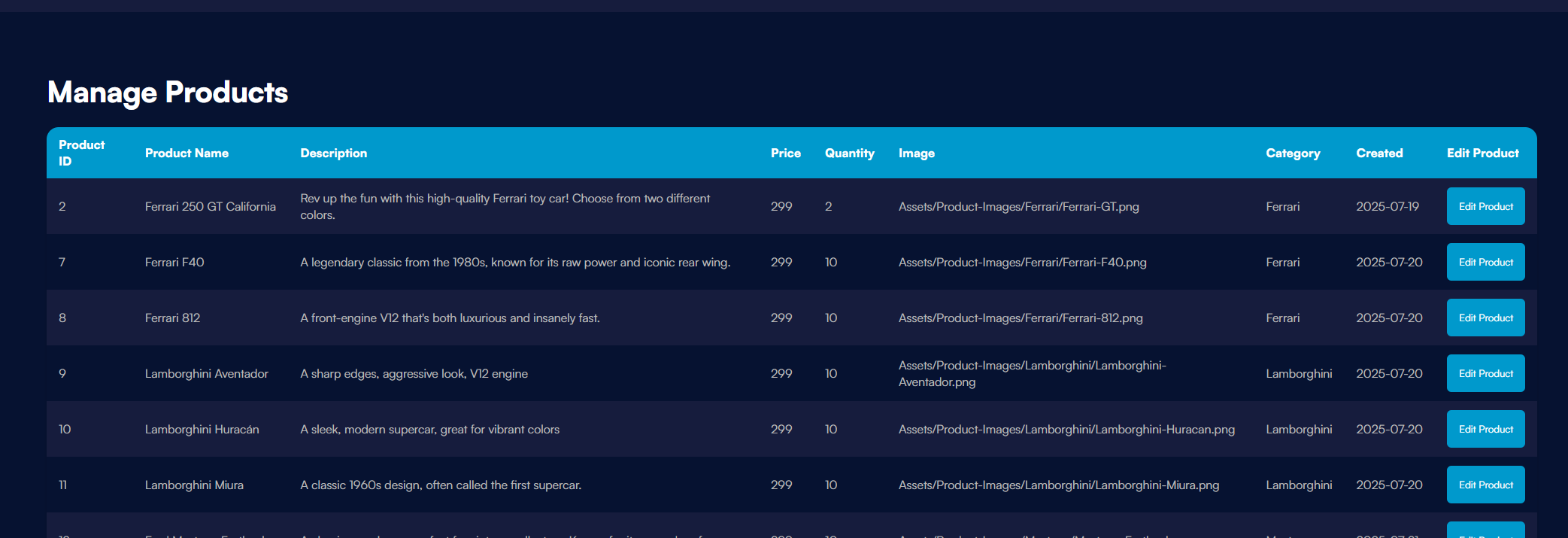
Once you're on the admin page, navigate to the Manage Products section using the sidebar. To edit any of the produts click the edit product button on the right.
Step 2: Edit Products Form
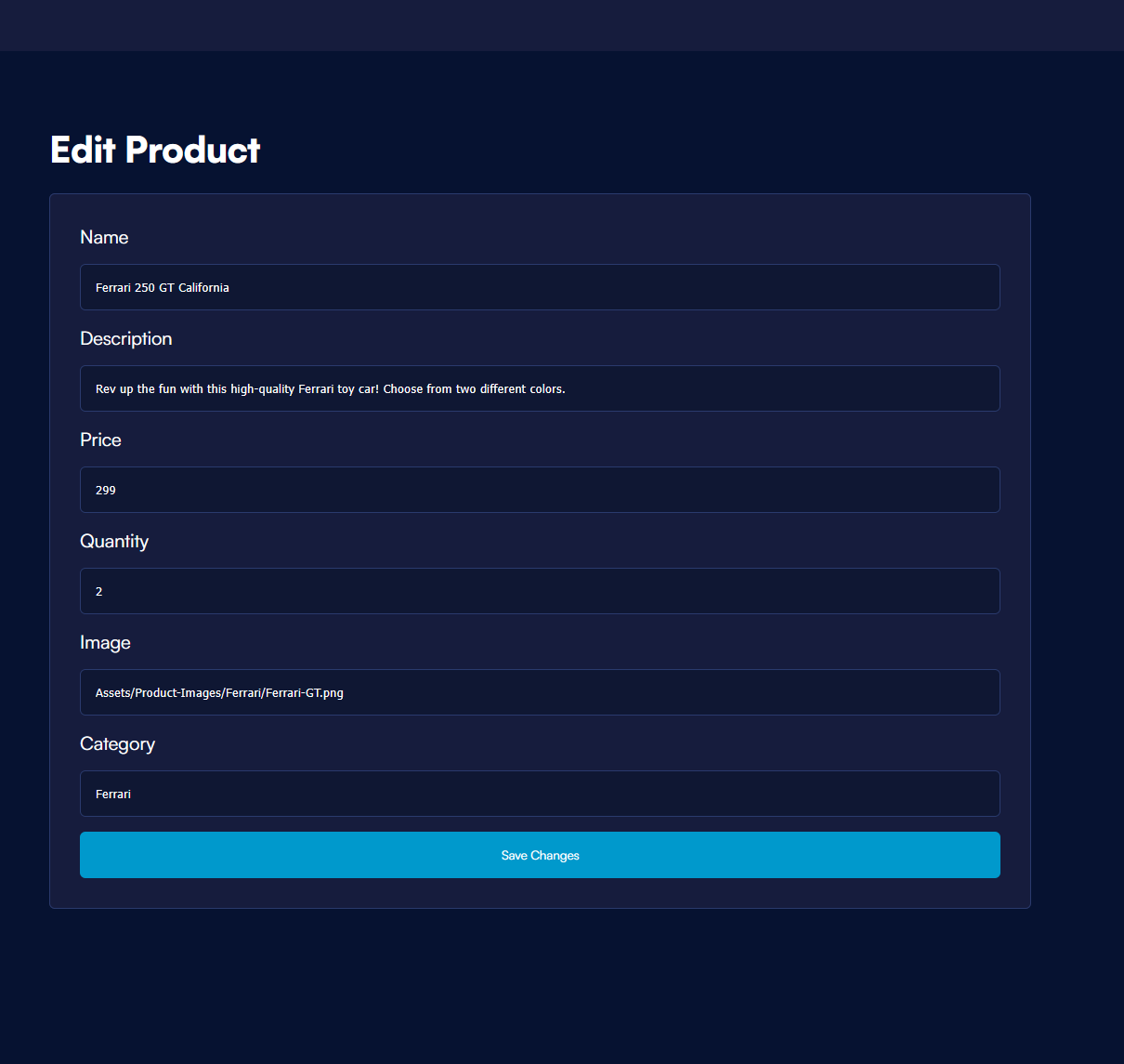
Once you selected a product you want to edit, simply fill in the information you want to change and click save changes. This will change the product details instantly.