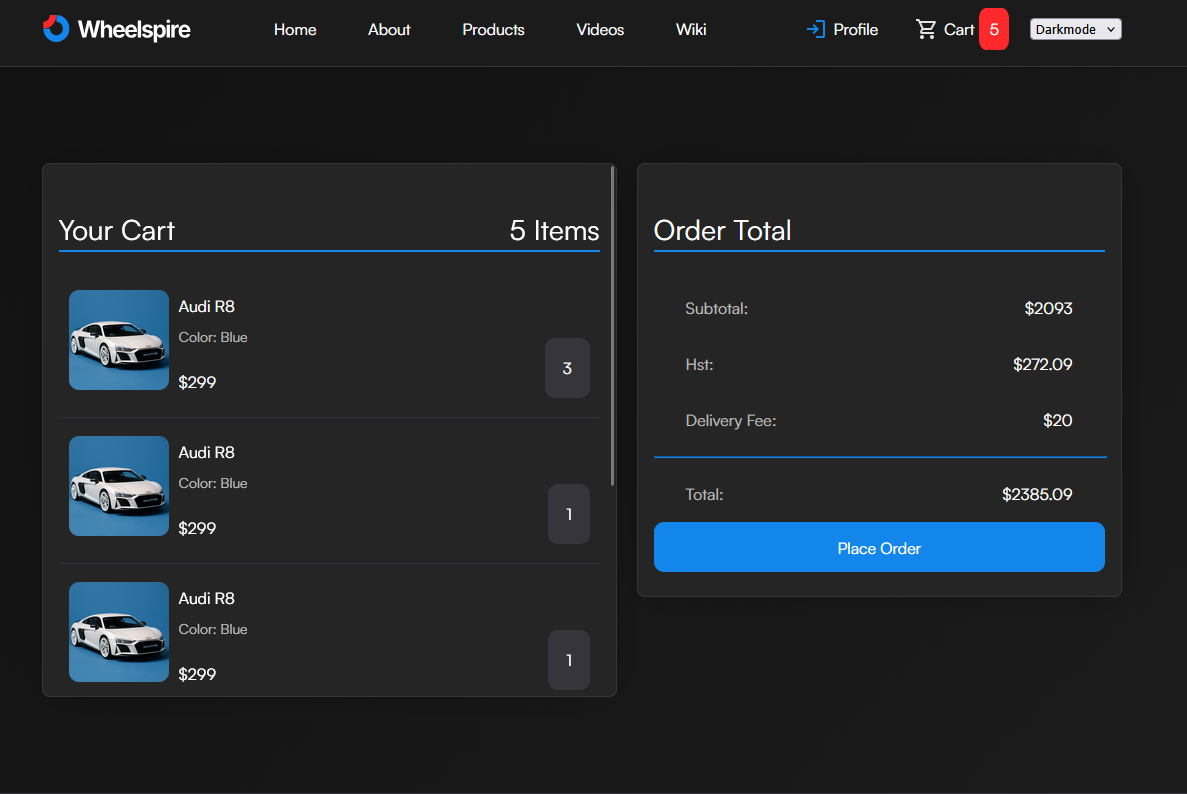
How To Place An Order
Placing your order requires an account, if you don't have an account create one.
Step 1: Adding Products To Your Cart
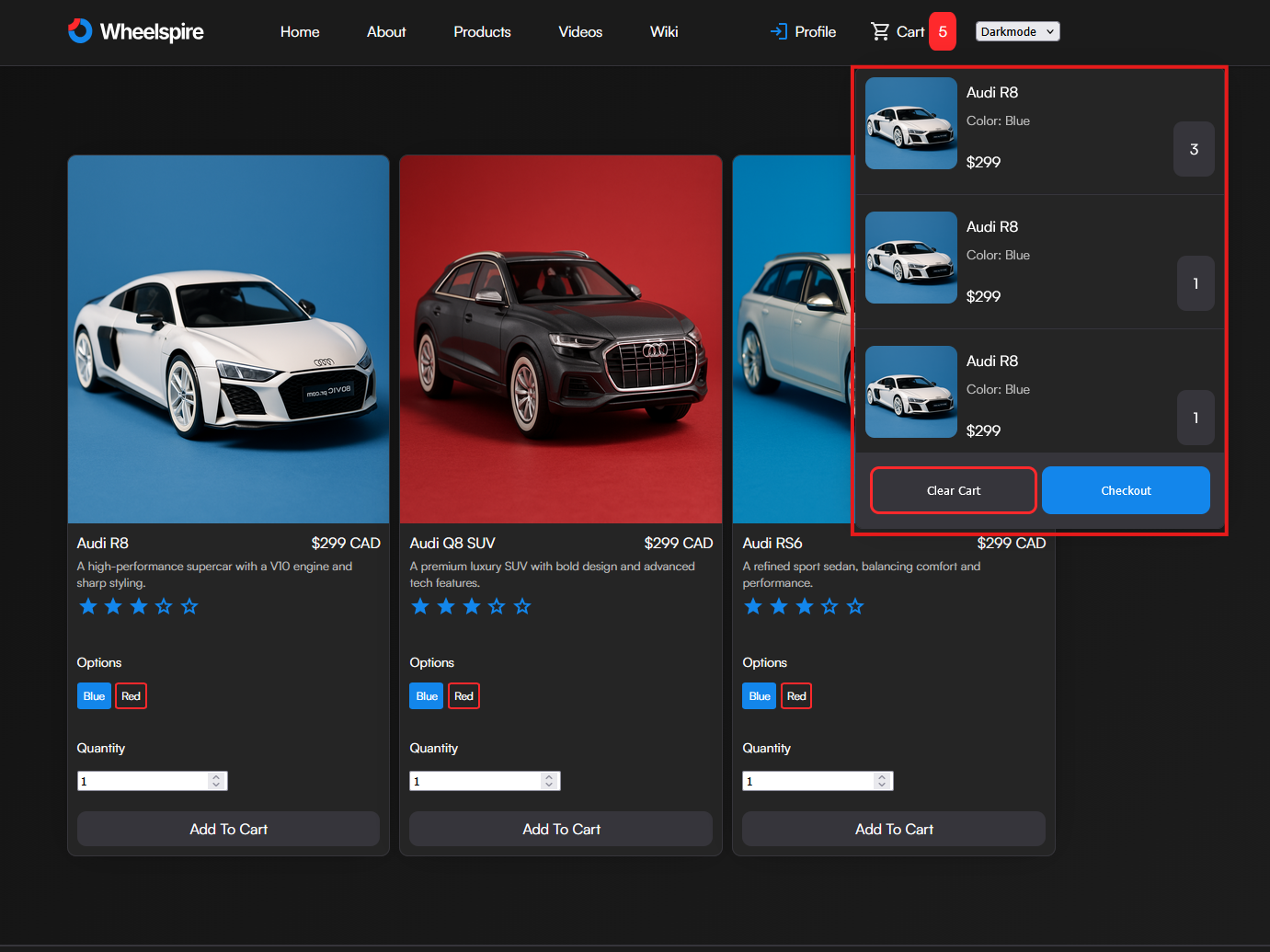
Navigate to the products section. To add a product to your cart, select the color option and then click Add To Cart . You will see the number next to your cart on your navbar increase. Click the cart on the navbar to view your current cart at any time.
Step 2: Placing Your Order
Once you've added items to your cart, and you want to checkout. Click the cart on the navbar and click checkout. This will bring you to the checkout page. Once you click place order , your order will be placed and will show up under Profile -> My Orders .